Your files stay yours
- Your media stays where it is. FrameX never copies or changes it.
- With a local model, everything stays on your PC.
- With a cloud model, a prompt sends your request and a text summary of the timeline, including file names. Frames and transcript lines go only if the model asks for them.
- Speech recognition always runs on your PC.
- The speech model and map outlines download only after you agree.
- API keys are stored in plain text in
settings.json, in your own FrameX data folder. Keep that folder private.
Where your data goes
Projects and settings live in %LOCALAPPDATA%\FrameX. API keys are stored there in plain text in settings.json. Media stays where it is and is never copied or changed.
A prompt sends the connected model a text summary of the timeline, including file names, and your request. Frames and transcript lines go only if the model asks for them. An explainer sends your topic or script and the names of your pictures, not the pictures. Local models keep all of this on your PC.
The first transcription downloads a 574 MB speech model, after asking. The map outlines (Natural Earth, public domain) also download only after you agree.
Built to stay out of trouble
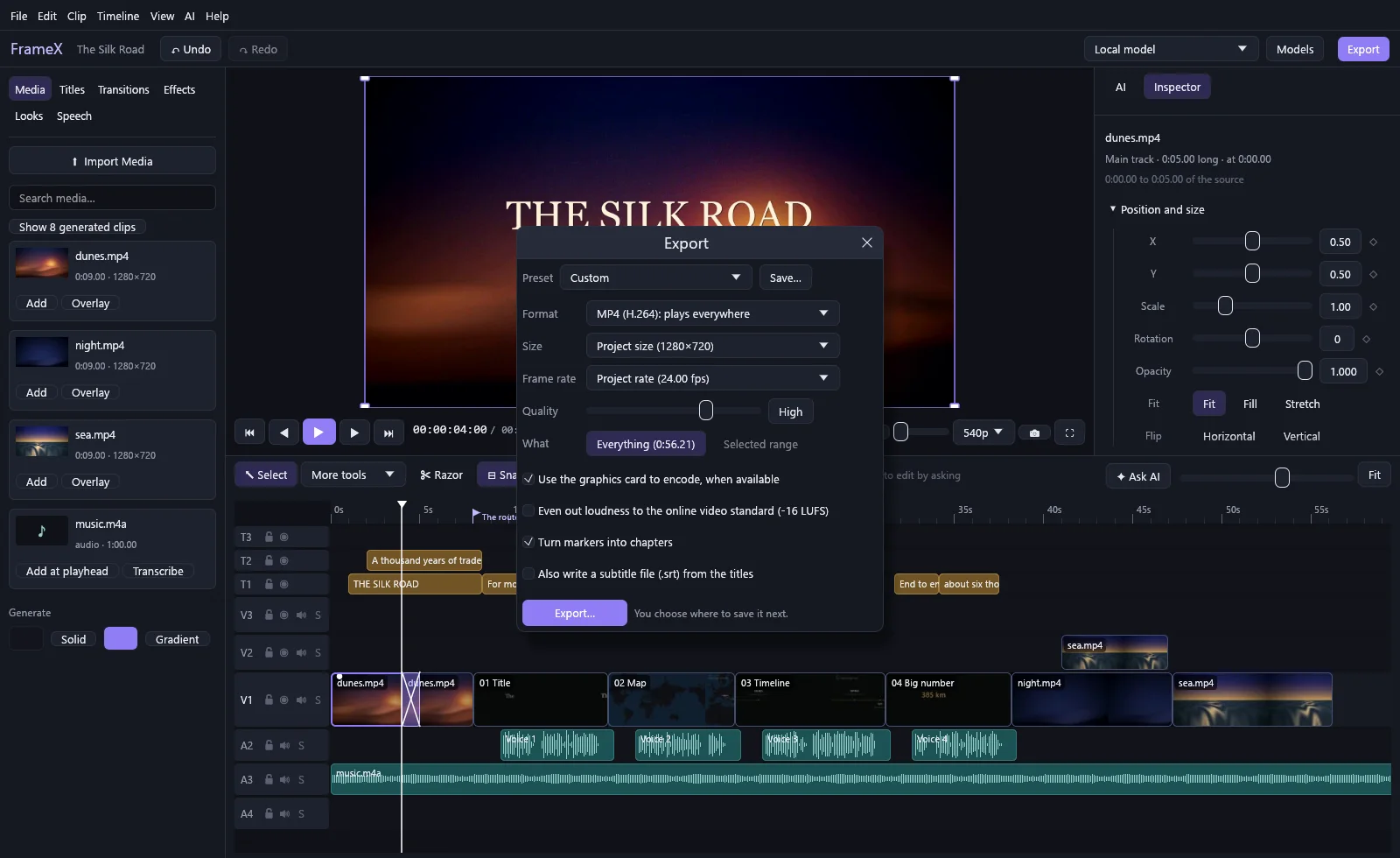
- Uses your graphics card. NVIDIA NVENC or AMD AMF for exports, falling back to the CPU if a driver fails.
- What you see is what you export. Preview and export share one renderer.
- Your work survives crashes. Saves and exports are written safely, with a backup of your project.
- Everything is one undo away, including what a model did.
Tested so far: on a Ryzen 7 9800X3D with an RTX 4090 under Windows 11. AMD graphics support is built, and tested against a simulated driver, but hasn't yet run on a real AMD card.