FrameX
Video editor with AI powered capabilities
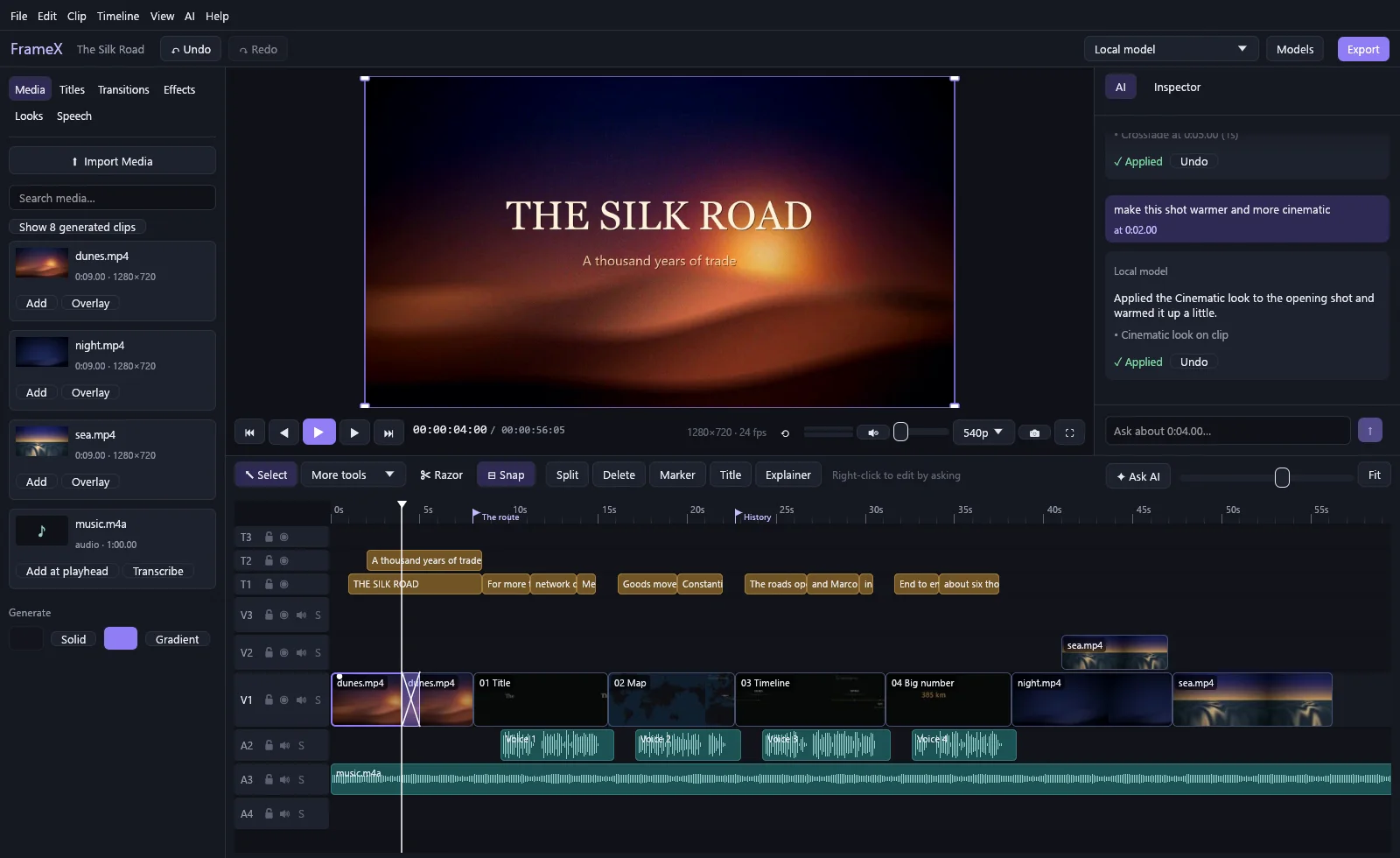
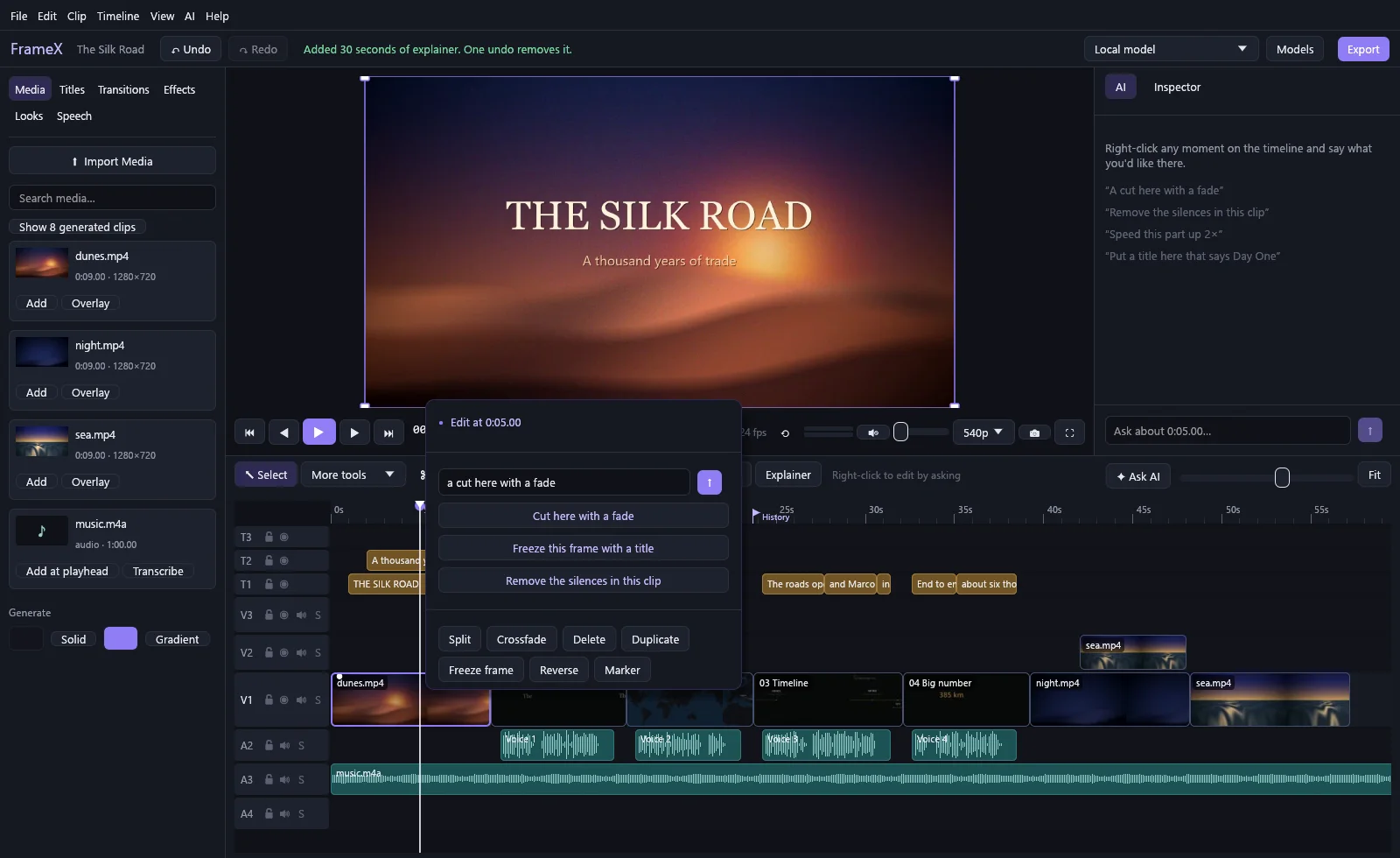
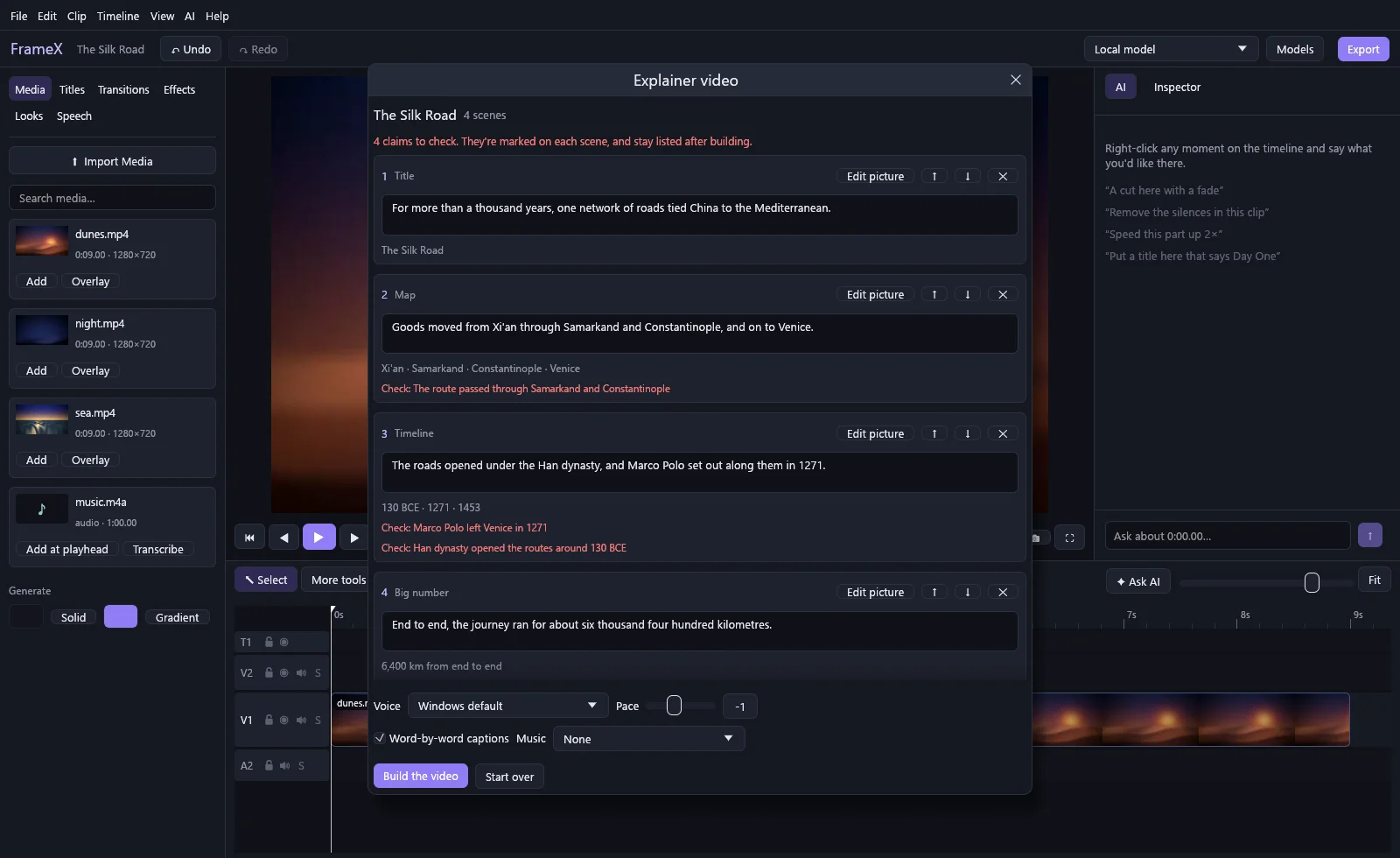
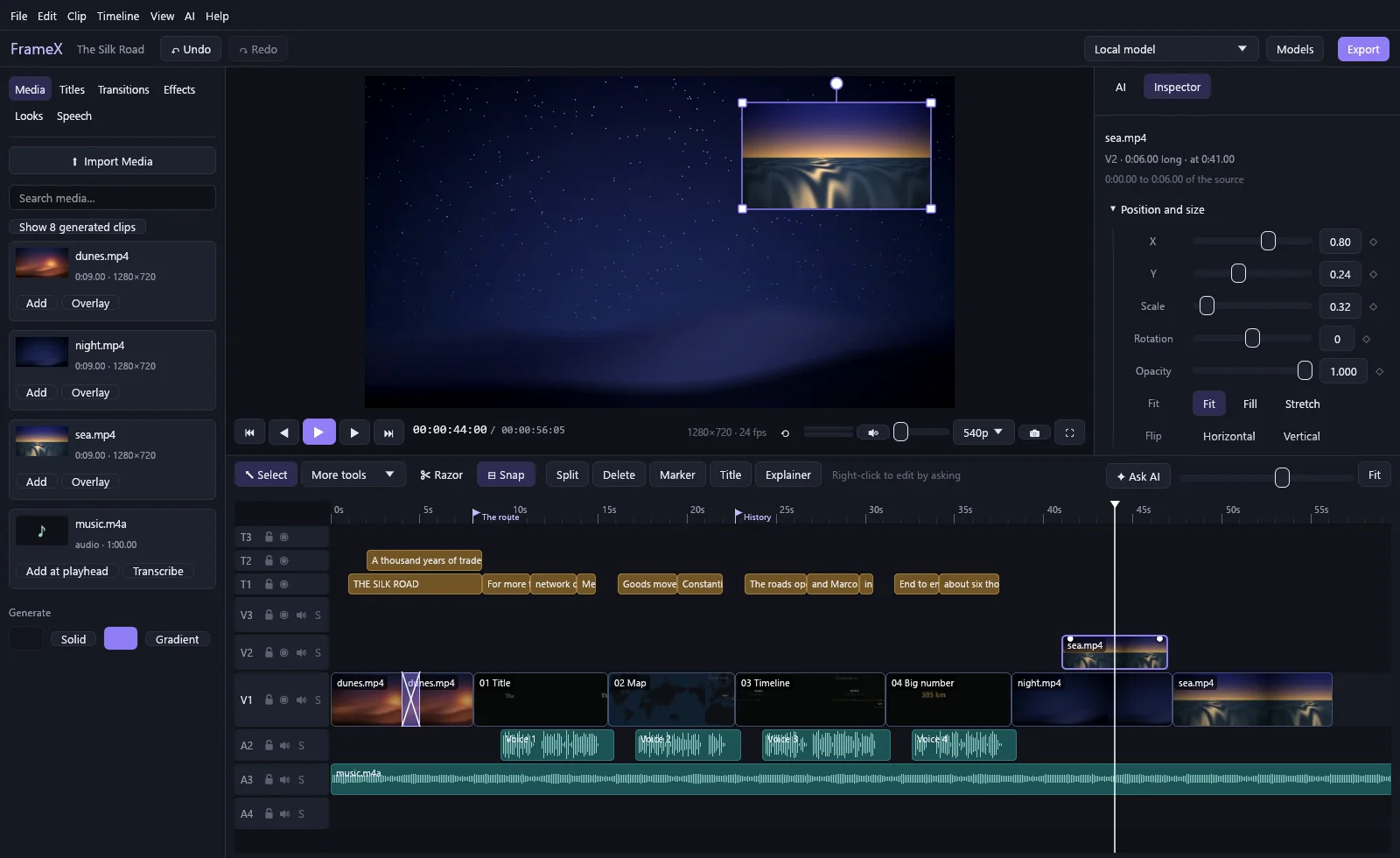
Screenshots
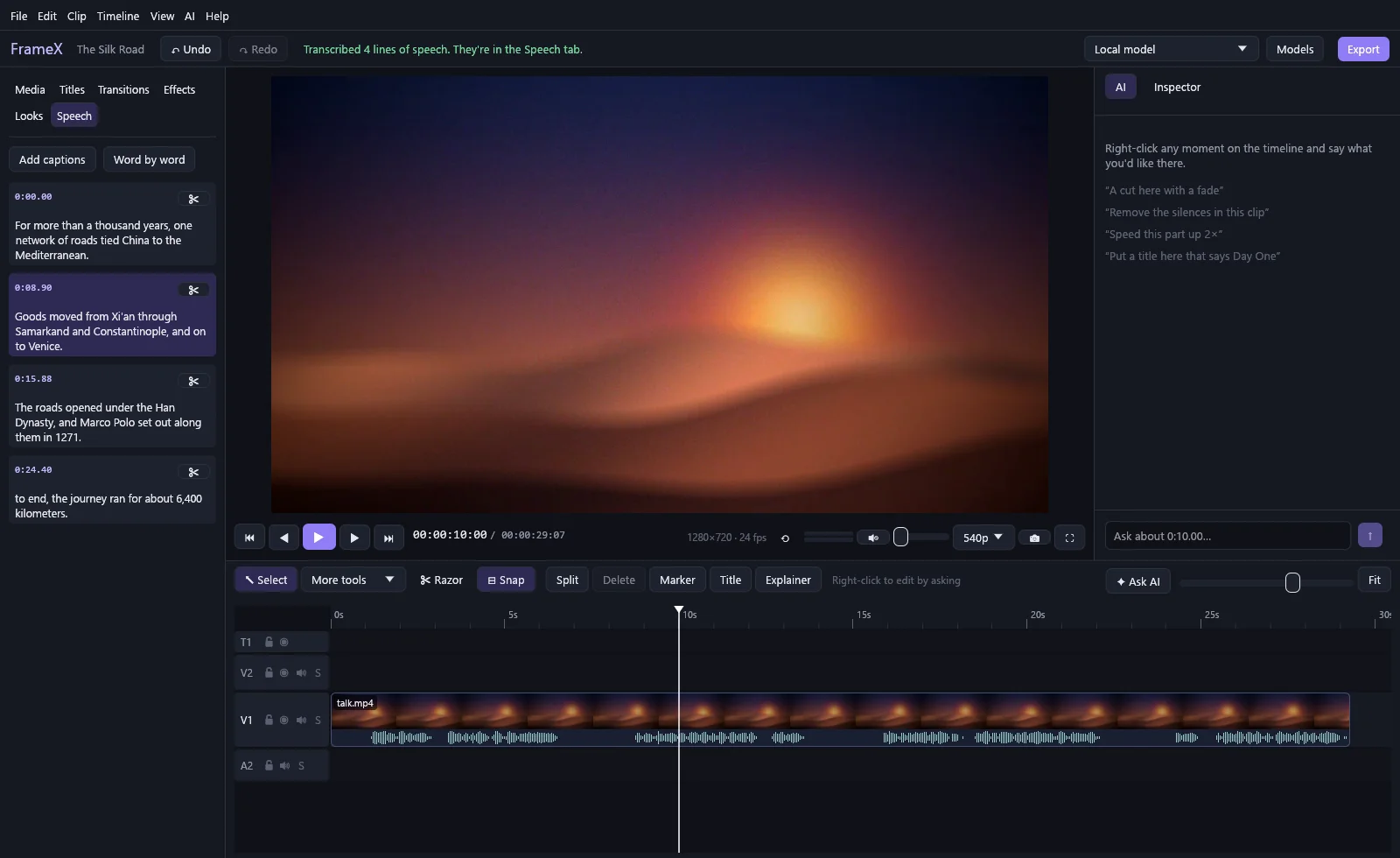
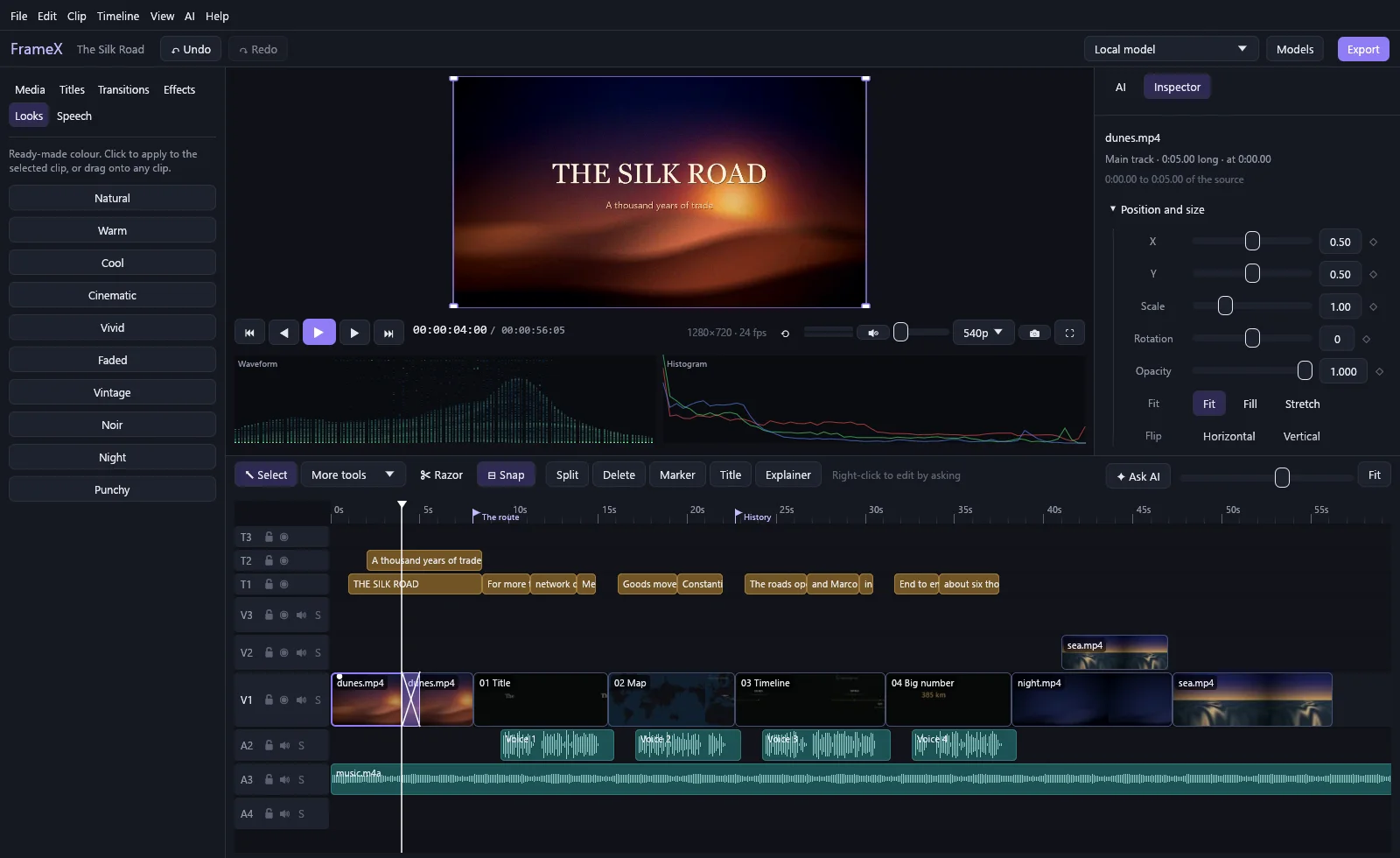
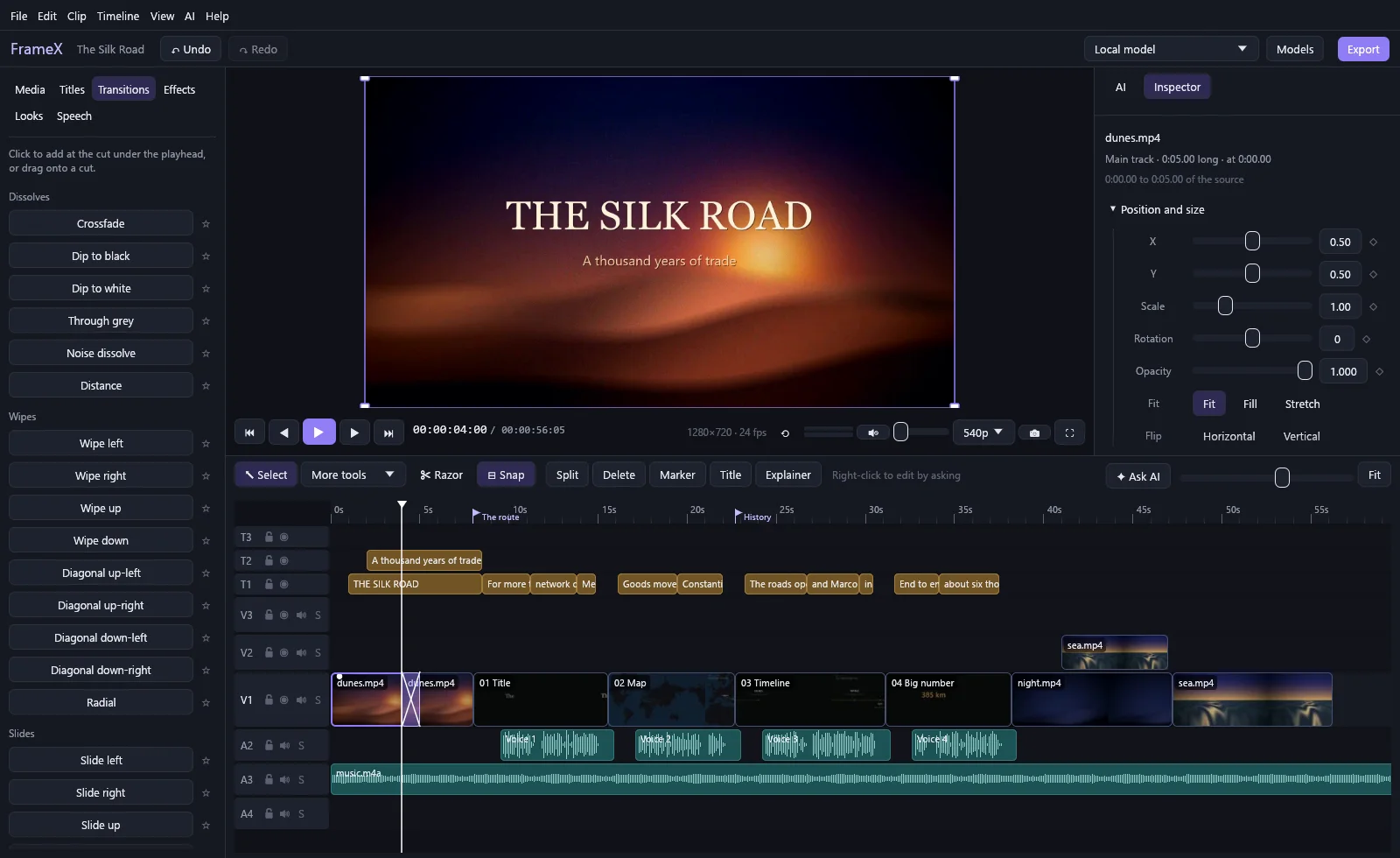
News
FrameX 0.4.2
This release fixes what a full review of FrameX's safety, security and speed turned up. It's for Windows; Mac and Linux versions are on their way.
Install
- Windows: download
FrameX-Setup-0.4.2.exeand run it. It installs in Program Files for everyone on the PC, or just for you in a folder you choose. If FrameX is already installed, it updates it. Windows may warn about an unknown publisher: choose More info, then Run anyway.
FFmpeg: FrameX needs FFmpeg, which isn't included. If it's missing, FrameX says so when it starts and offers to install it, or run winget install Gyan.FFmpeg. Speech recognition needs FFmpeg 8 or newer.
New in 0.4.2
Your work is safer
- If a project can't be saved, FrameX keeps trying and shows Not saved beside the project's name until it works.
- A copy of each project as it was when you opened FrameX is kept in the project's
backupsfolder, the newest five of them. - A project saved by a newer FrameX is no longer opened by an older one, which could lose parts of it.
- A damaged project file can't stop FrameX from starting.
- An export can't be saved over one of the project's own media files.
- Closing FrameX while a video is being exported asks first.
Fixed
- Videos recorded upright on a phone keep their shape instead of being squashed. Clips imported before this release need importing again.
- Timelines with hundreds of clips export in one go. Before, anything over about 300 clips was refused.
- Dragging the playhead while a video plays no longer stutters.
- Word-by-word captions stay in step with the voice after you trim, cut or correct them.
- Dragging a value in Project settings is one undo step, and no longer clears the undo history.
- Find it… for media that moved no longer freezes the window on a slow drive, and keeps the transcript when it's the same recording.
- When a request to a model fails, FrameX shows the real reason.
Faster
- Projects with transcripts and many clips are much quicker to work in: the timeline, the Media tab and paused previews do far less work.
- Exporting part of a long timeline reads only that part.
- Importing several files takes turns instead of starting them all at once.
- Filmstrips are made faster.
Plugins
- A slow plugin no longer freezes the window.
- Edits made by plugins go through the same checks as edits made by a model.
Security
- The installer starts only Windows' own tools, and protects a copy installed for everyone outside Program Files from being changed by other users of the PC.
- Opening a project file from someone else asks before linking media on other computers, and never follows web addresses in it.
- A plugin package can't put files outside its own folder.
- The speech model is checked after it's downloaded.
© 2026 Vladimir Čotrić. Free for everyone to use.
FrameX 0.4.1
FrameX is now free for everyone. This release is for Windows; Mac and Linux versions are on their way.
Install
- Windows: download
FrameX-Setup-0.4.1.exeand run it. It installs in Program Files for everyone on the PC, or just for you in a folder you choose. Windows may warn about an unknown publisher: choose More info, then Run anyway.
FFmpeg: FrameX needs FFmpeg, which isn't included. If it's missing, FrameX says so when it starts and offers to install it, or run winget install Gyan.FFmpeg. Speech recognition needs FFmpeg 8 or newer.
New in 0.4.1
0.4.1 is the first release since 0.3.0 with a download, so it includes everything below.
Free to use
- FrameX is free for anyone, for any purpose, and what you make with it is yours.
Plugins
- Developers can add to FrameX with plugins in any language: commands in a new Plugins menu, edits to the project (each one undoable), actions when media is imported, a transcript is made or a video is exported, and new kinds of explainer scenes.
- Install one by dropping its zip onto FrameX. You see its icon, author and what it adds before anything is installed.
- A plugin that crashes or stops answering is turned off, and FrameX keeps going. Turn plugins on and off, or remove them, in Plugins › Manage plugins….
- The developer guide and a complete example plugin are in the repository.
Titles
- Title templates: select titles and save them as a template, with their look, position, animation and timing. Add them to any project and type only the words.
- Seven ready-made templates: Name and role, Chapter, Headline, Quote, Place and date, Subscribe, and End card.
Editing
- Search by what's said: searching your media also finds transcribed clips by their words. Click a line to jump to where it's said.
- Export queue: start another export while one is running. It waits its turn, and you keep editing.
- Replace a clip: hold Alt and drag media onto a clip to swap in new footage. Its position, length and effects stay.
- Swap two clips: hold Ctrl+Alt and drag one clip onto another. Both are also in the Clip menu.
- Sync by sound: line up a separate audio recorder, or a second camera, with your main clip by matching their sound. Select both, then Clip › Sync by sound.
Sound
- Fit to video length: makes a song end exactly when your video does, by taking out or repeating whole bars in the middle, joined on the beat.
- Enhance speech: one switch for a clear voice. It removes rumble and hiss, adds presence, softens harsh S sounds and evens out the level. The finer controls are folded away under Fine-tune sound.
Starting up
- If FFmpeg is missing, FrameX tells you on its loading screen and offers to install it.
- If your FFmpeg or graphics driver is out of date, FrameX shows which version you have and which it needs. It then carries on and encodes on the processor.
Fixed
- Errors from graphics-card encoding now keep FFmpeg's note about which driver version it needs.
Licence
- FrameX may only be downloaded from https://framex.fyi, and its author isn't liable for any damage or loss from using it. The full terms are in LICENSE.txt.
Tested on
- Windows: Windows 11 with a Ryzen 7 9800X3D and an RTX 4090.
- AMD graphics: support is built and tested against a simulated driver, but hasn't run on a real AMD card yet.
© 2026 Vladimir Čotrić. Free for everyone to use.