Using FrameX
Edit by asking
Right-click the timeline or the picture itself, and say what you'd like. One-click suggestions and the common edits are right there too.
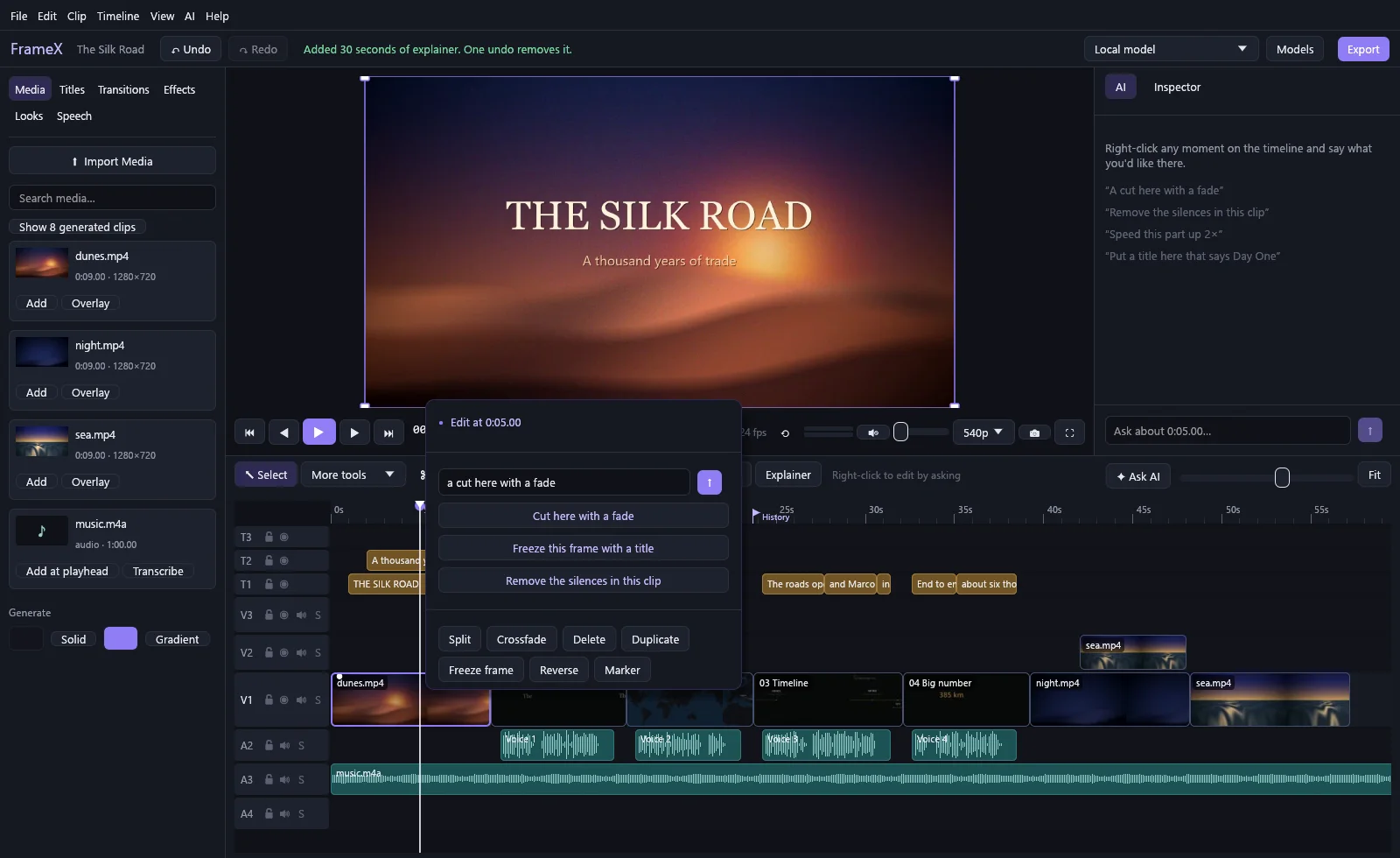
Models can do what the timeline can do:
"slowly zoom in" · "put this in the corner" · "make it vertical" · "lower the music under the talking" · "make it look vintage" · "remove the silences in this clip"
Before you see an edit, it's rehearsed on a copy of your project. Anything that fails goes back to the model to fix, so a bad answer doesn't reach your timeline. A model can look at frames, detect silences and scene changes, and read the transcript, but it can't run programs or touch your files.
Bring any model
| Kind | How it connects | Examples |
|---|---|---|
| Subscription | Runs the vendor's own command-line tool, using its sign-in | Claude, ChatGPT / Codex, Gemini |
| API key | Your key, your bill | Anthropic, OpenAI, Gemini, OpenRouter, Groq |
| On your PC | Any OpenAI-compatible server | Ollama, LM Studio, llama.cpp, vLLM |
| Anything else | A command that reads a prompt and prints a reply | llm -m {model} |
No subscription or API key? FrameX offers to set up a free model that runs on your PC. It reads your graphics card, recommends a size that fits, and installs Ollama and the model for you once you say yes.
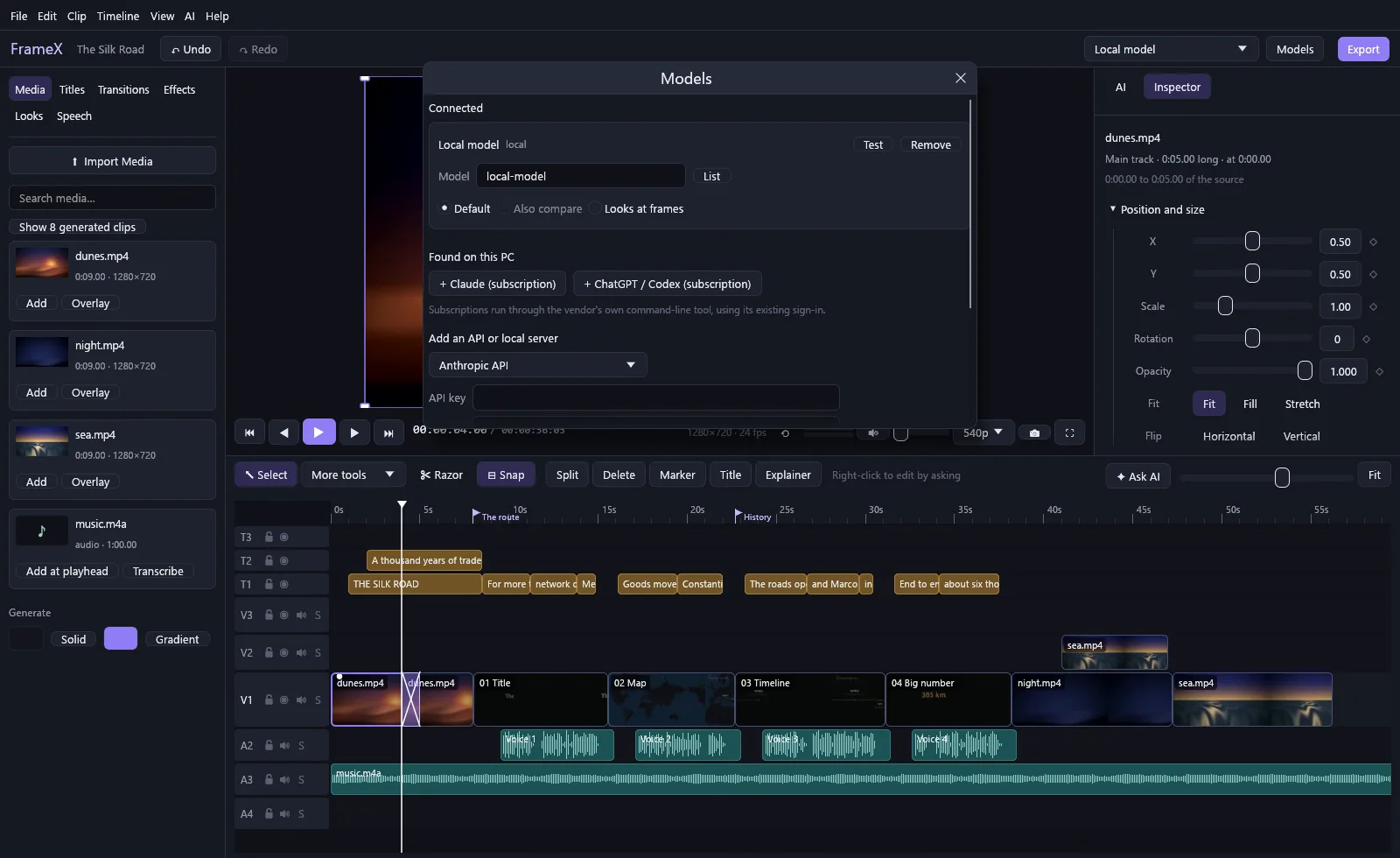
Use several at once:
- Default answers your prompts.
- Also compare asks extra models too. See every answer, pick one, and switch whenever you like.
- Looks at frames gives sight to a model that has none: one model describes the picture for the others.
A real editor underneath
This isn't a chat box with a video player attached. It's a full multi-track editor.
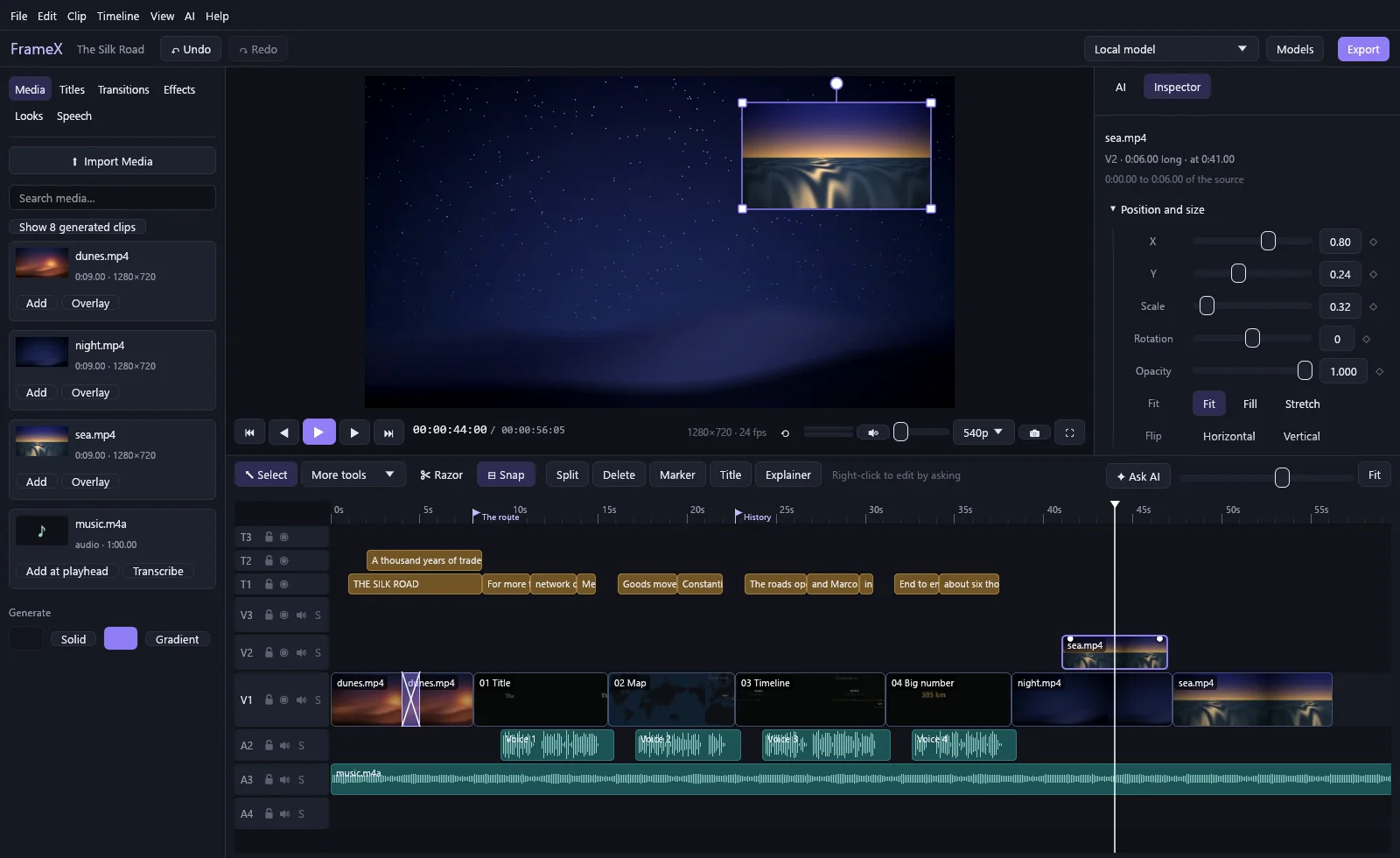
| Timeline | A main track, up to 32 video layers, plus title and audio tracks. Ripple, roll, slip, slide, rate stretch, razor, track select, snapping, grouping, solo buttons, colour labels and markers that become chapters. |
|---|---|
| Picture | Drag, scale and rotate on the picture itself. Keyframe position, scale, rotation, opacity and volume, and shape each move with draggable curve handles. Crop, picture in picture, 9 blend modes, reverse, freeze frames, and speed from 0.1× to 16×. |
| Transitions | 49 of them in 7 families, with previews and favourites. |
| Effects | 17, including green screen, stabilise, noise reduction and camera shake. |
| Colour | Full grading, .cube LUTs, 10 ready-made looks, and waveform and histogram scopes. |
| Titles | Any installed font, outlines, shadows, boxes and animations. Word-by-word captions and .srt export. |
| Sound | Separate audio streams kept apart, so game sound and mic both survive. Ducking under speech, noise reduction, loudness, EQ, pan and meters. |
| Export | MP4 (H.264, H.265), WebM, ProRes, GIF, MP3 and WAV. Any size and frame rate, a selected range, or a single frame. Ready-made presets, or save your own. |
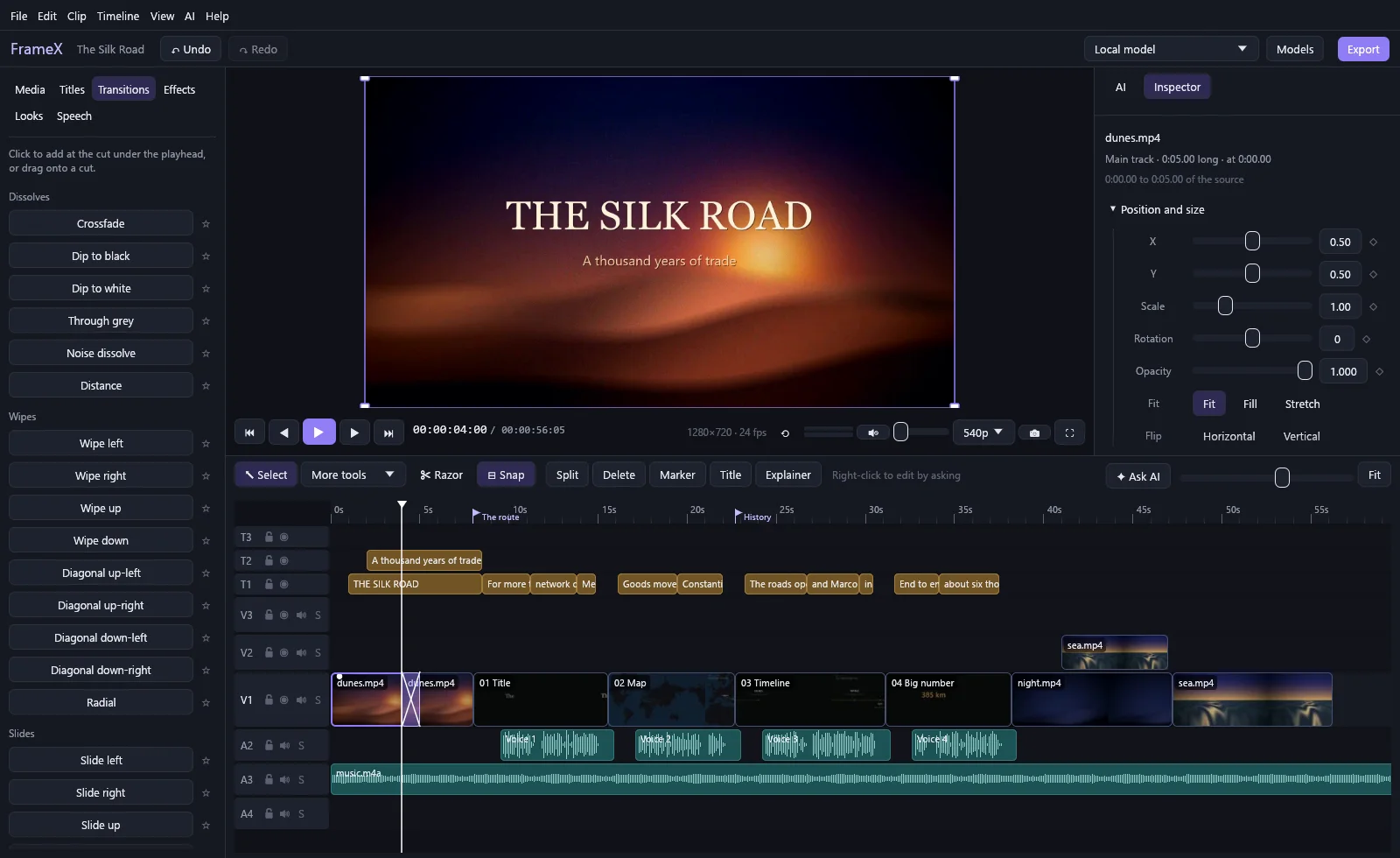
49 transitions. Click to apply at the cut, or drag onto one.
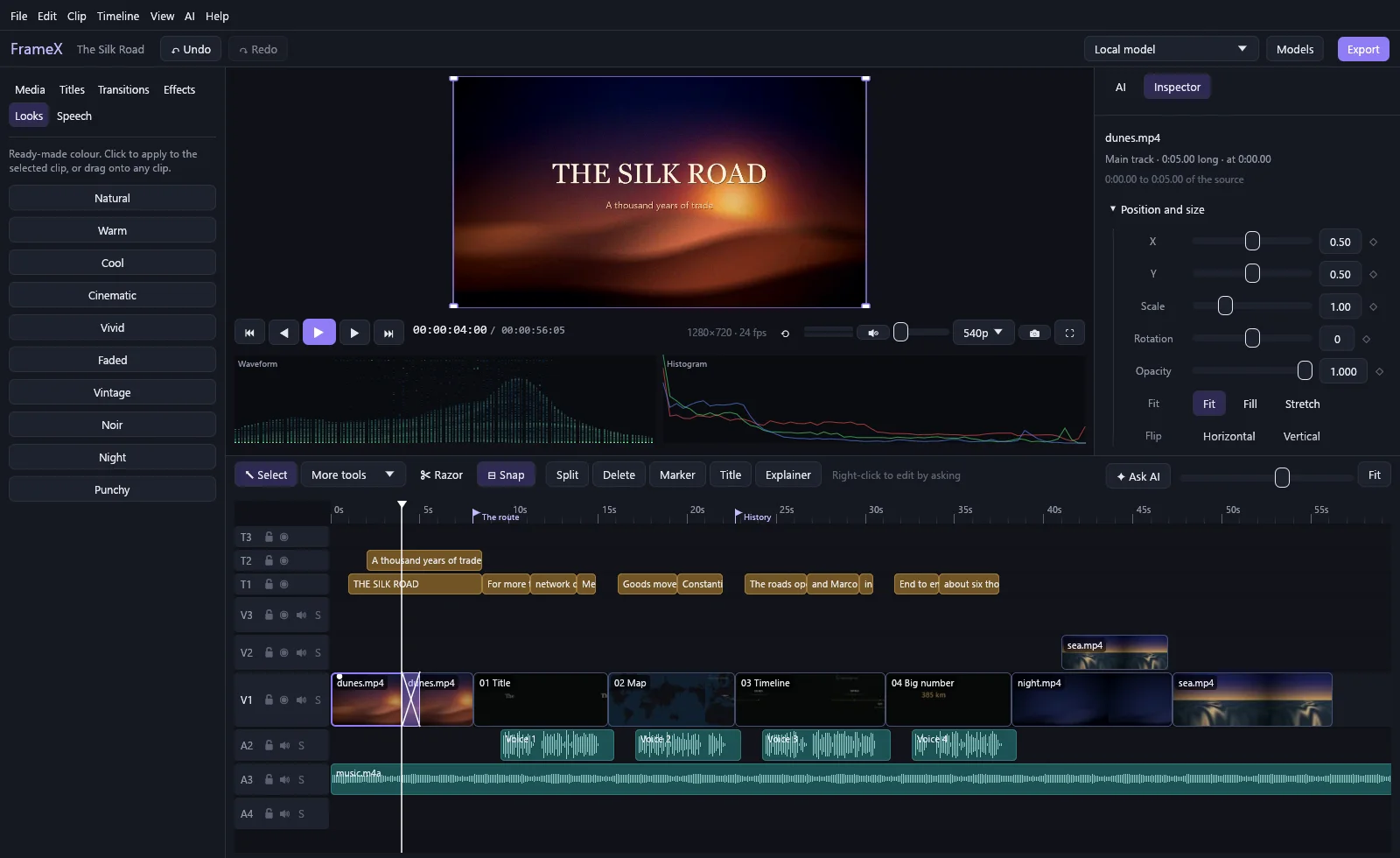
10 looks and live scopes. Then fine-tune every value.
Explainer videos from a script
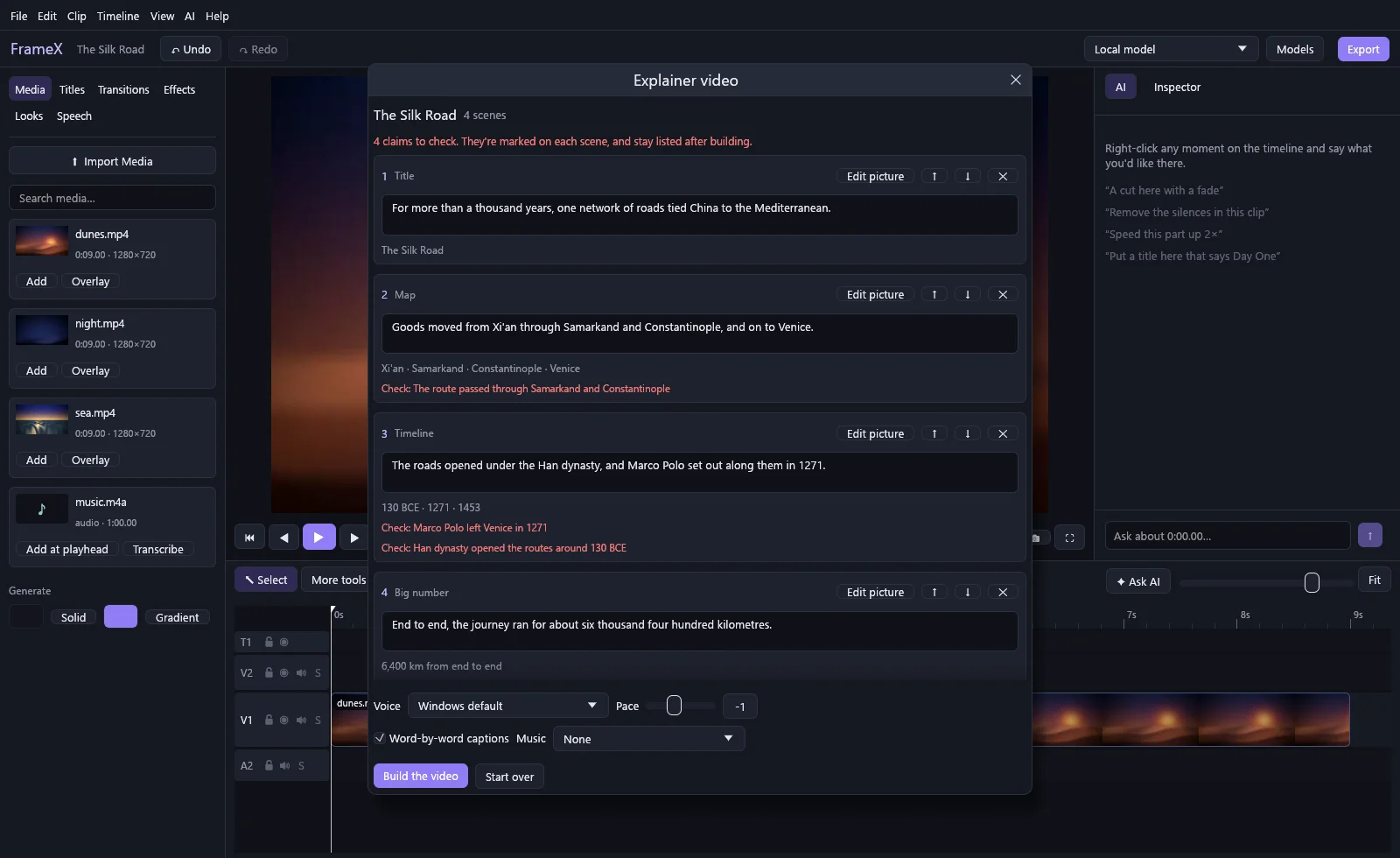
Give FrameX a topic or a script. A model plans the narration and what's on screen: maps, timelines, charts, diagrams and animated text. They're drawn frame by frame and arrive on your timeline as ordinary clips that you can keep editing.
You review the plan before anything is built, and the model has to flag what it isn't sure of. Those claims stay listed after the build, so you can check them before you publish.
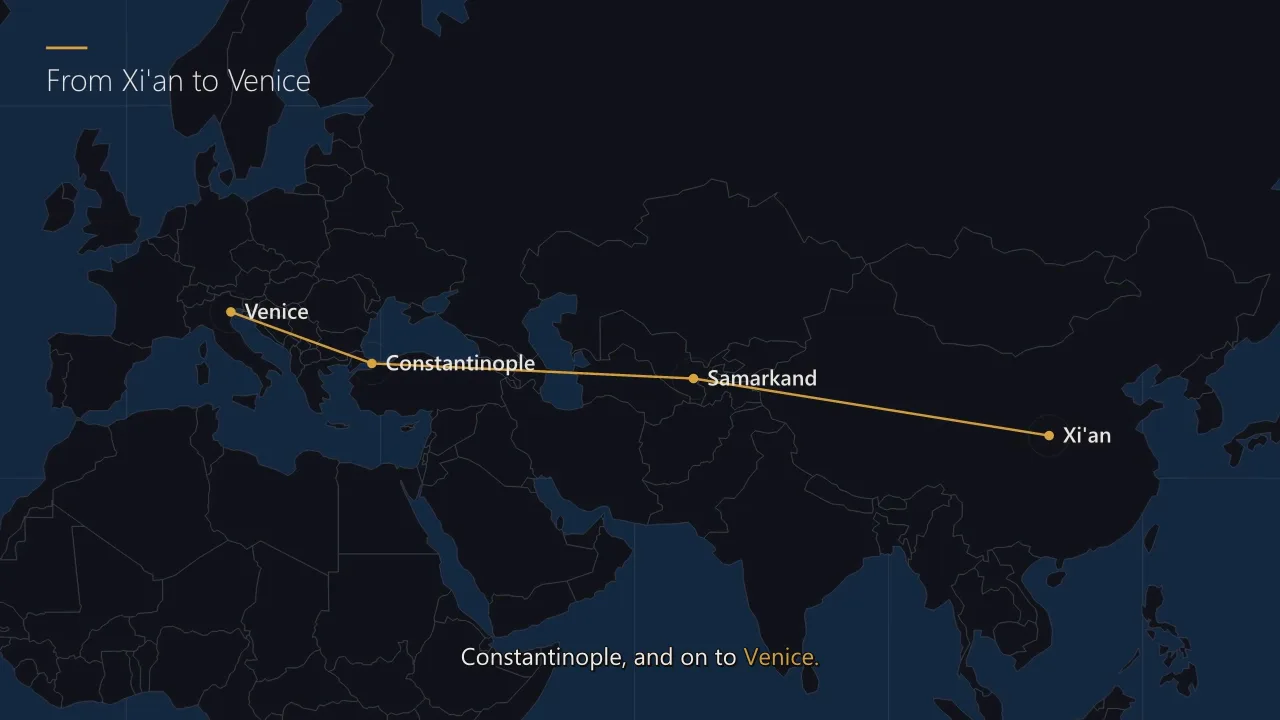
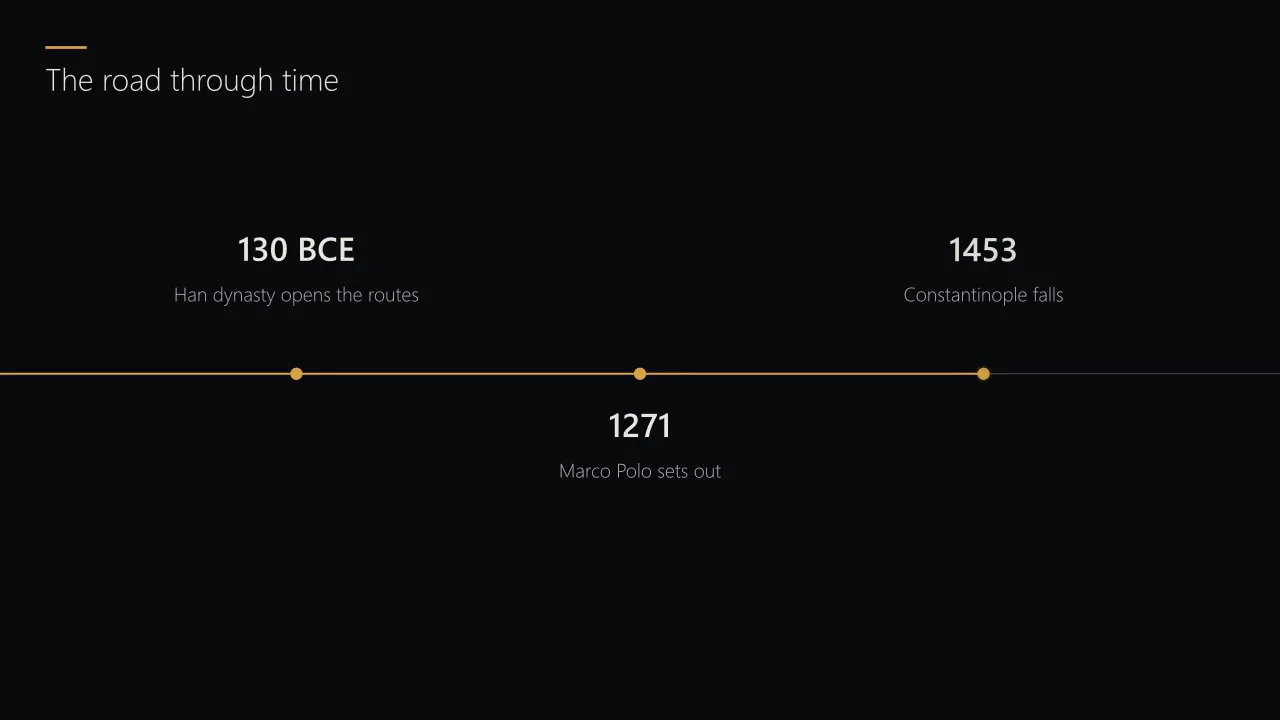
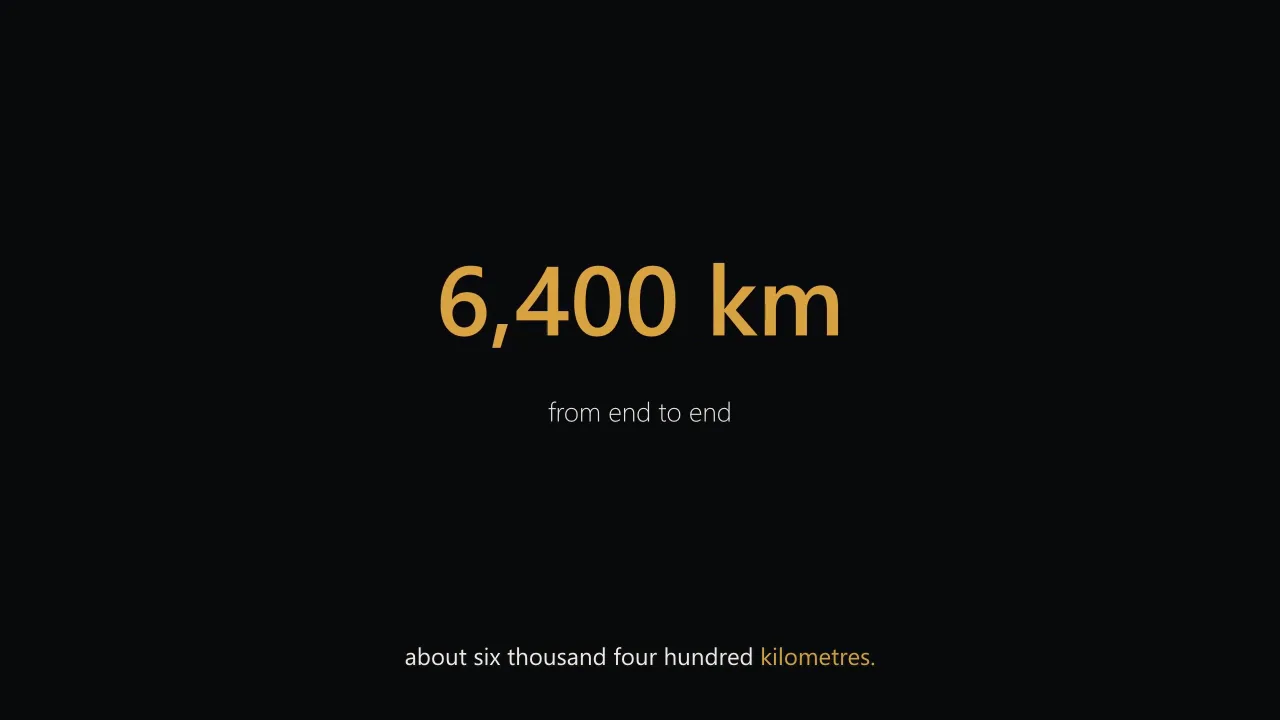
Narrate with your computer's voice or your own recording. Already have a recording? It's transcribed on your PC and the pictures land on the words they belong to, while your sound stays untouched. Your audio isn't sent to the model.
Edit by what was said
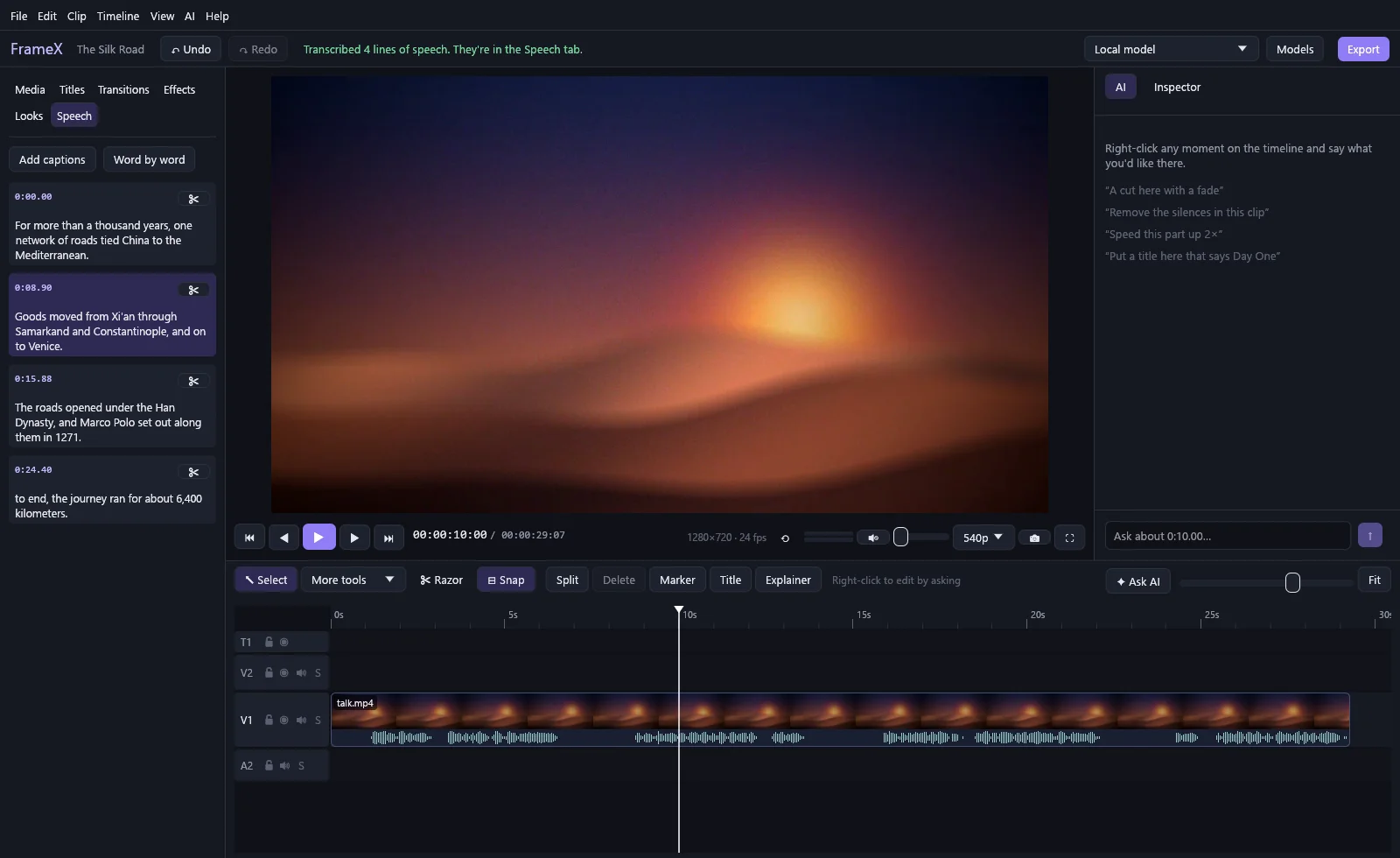
Click Transcribe and every spoken line becomes something you can click: jump to it, cut it out, or turn the lot into captions. You and your models can both edit this way. It runs on your own PC, using the whisper.cpp built into FFmpeg.
Remove filler words takes out the "um"s and "uh"s in one click. FrameX finds them in the sound itself, then listens to the result, and puts back any cut that would have cost a real word. Where it can't be sure, the "um" stays. Speech recognition doesn't write down every filler, so some can go unnoticed.
Keyboard
Ctrl+K adds an edit, J K L shuttle, Q and W ripple trim, ; lifts, ' extracts, and V A B N R C Y U pick the tools you'd expect.
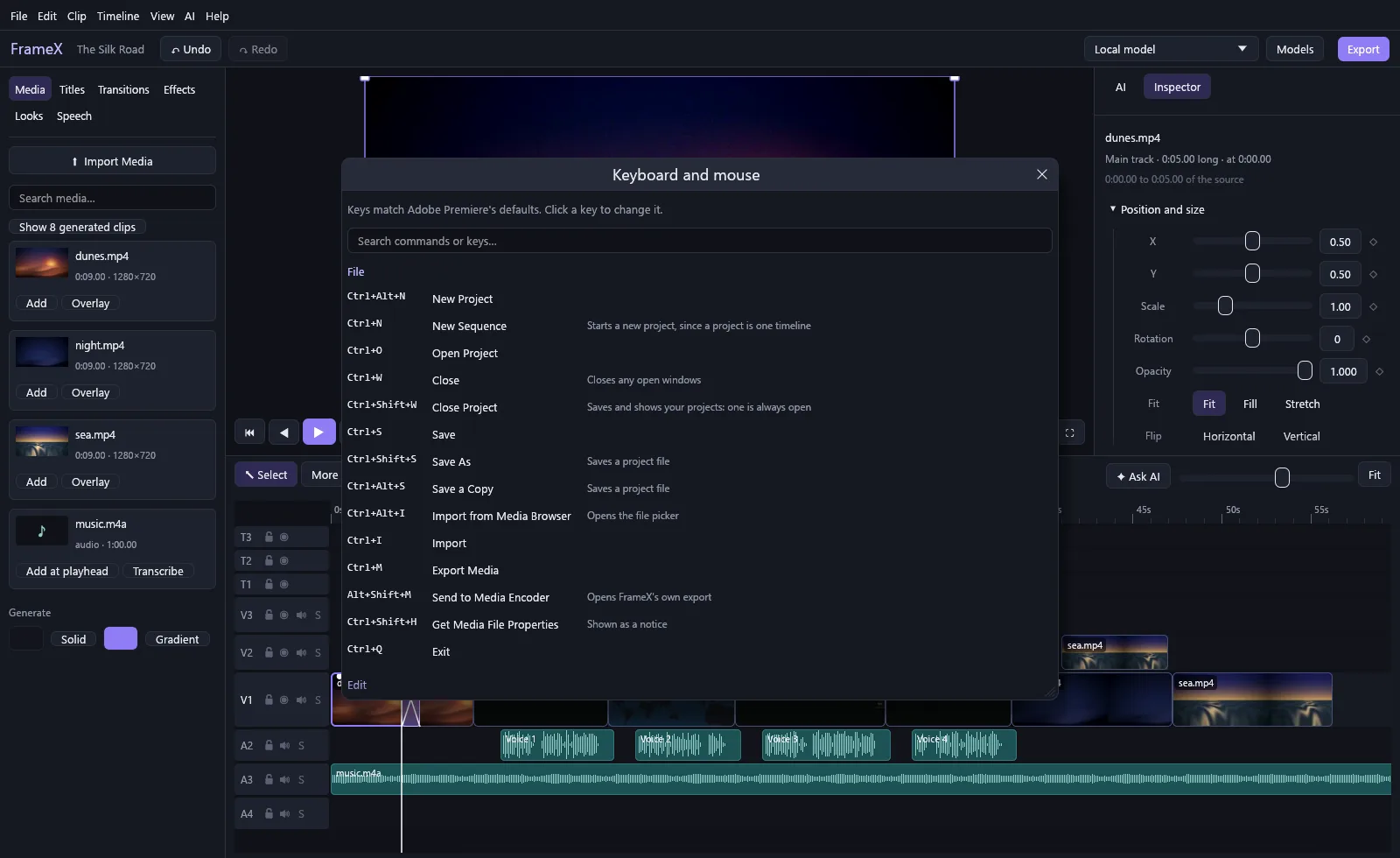
Ctrl+Alt+K lists every command with a search box. Click any key to change it, and FrameX warns you if that key is already taken. Click the timecode and type to jump, the way you're used to: 1:15:12, 5000, or +30 to go ahead 30 frames.
Made for game captures
- Hide names and IDs with blur, pixel or black boxes that you drag on the picture.
- Build a highlight reel from a long recording, picked by its sound.
- Go vertical with a crop that follows the action.
- Finish it with slow-motion speed ramps, word-by-word captions and cuts on the beat of your music.